
Choosing analytics software is harder than it should be. Most teams can see clicks, events, and dashboards, but still cannot explain why pipeline slowed, onboarding stalled, or expansion improved.
Best customer journey analytics software helps SaaS teams connect every meaningful touchpoint across marketing, sales, product, and finance so they can see what drives conversion, retention, and revenue. The best platform turns fragmented data into board-ready answers, not just prettier charts.
- Pick software that connects journey data to revenue outcomes.
- Look for identity resolution, segmentation, and conversion paths.
- Prefer tools that unify product, CRM, billing, and finance data.
- Choose reports your CFO, founder, and RevOps team can trust.
What is the best customer journey analytics software?
The best customer journey analytics software is the tool that shows how prospects and customers move from first touch to renewal. It should reveal the path, the drop-off points, and the revenue impact of each step.
For SaaS teams, the best option is rarely a pure product analytics tool alone. You usually need journey data tied to CRM and billing systems so you can connect behavior to pipeline, ARR, and expansion.
What customer journey analytics means
Customer journey analytics is the practice of tracking and analyzing the sequence of interactions a person or account has with your company. Those interactions may include ad clicks, demo requests, onboarding events, support cases, usage milestones, renewals, and upsells.
The goal is simple: understand which paths lead to revenue and which paths create friction. That makes the software useful for marketing, sales, customer success, product, and finance.
What SaaS teams should expect from the best tool
A strong platform should combine event data, account data, and financial data. That is how you move from “users did this” to “this journey created qualified pipeline or expansion ARR.”
If you want a broader view of the category, this overview of customer journey analytics tools is a useful companion read.
Which features matter most in customer journey analytics software?
The most important features are identity resolution, multi-touch path analysis, segmentation, and revenue attribution. Without those, you may see activity, but you will not see a reliable journey.
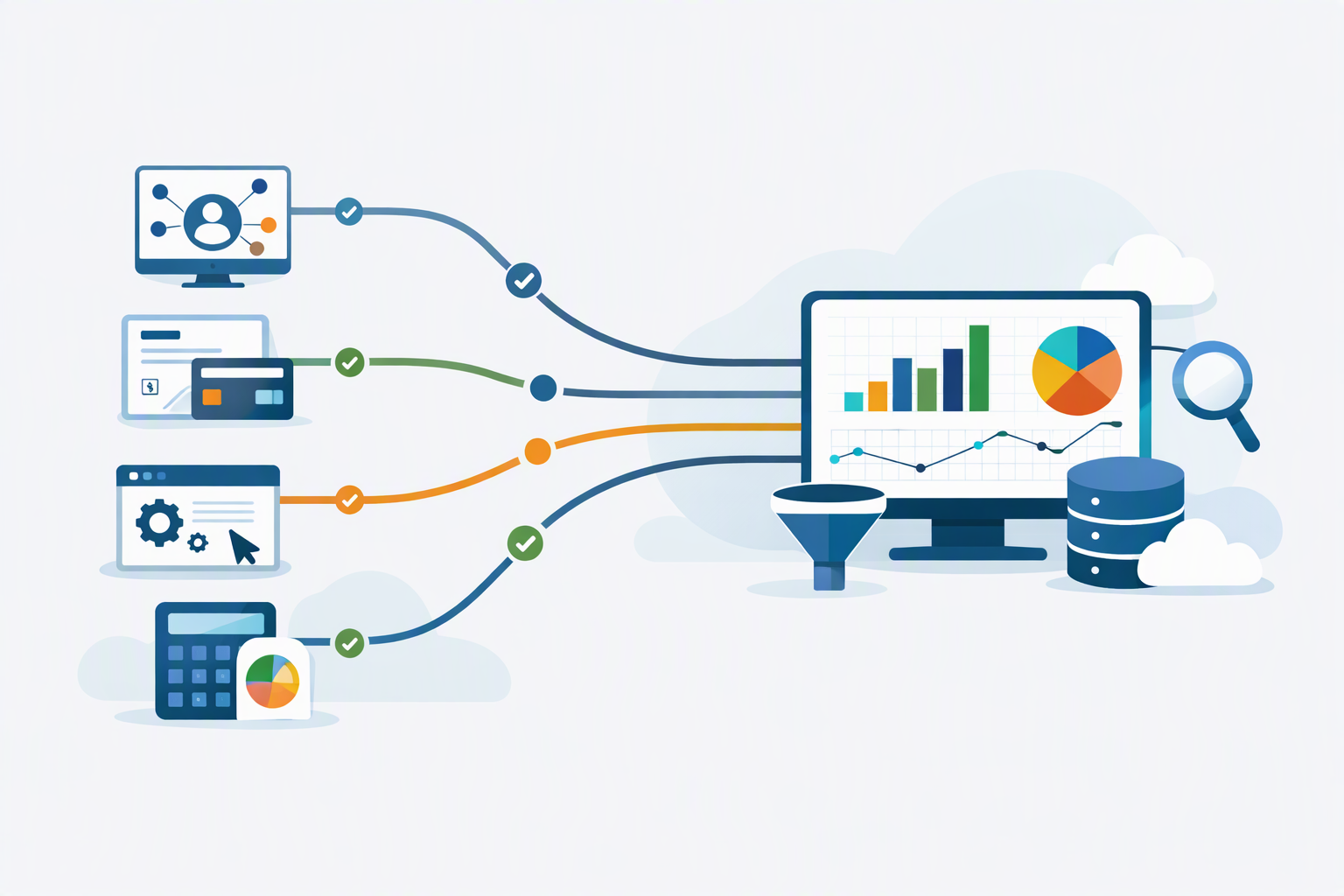
For mid-market and growth-stage SaaS, the best software also needs clean integrations with systems that hold truth about revenue: Stripe, HubSpot, Salesforce, QuickBooks, Chargebee, and Xero.
Must-have capabilities
- Identity resolution: matches multiple events to the same person or account.
- Path analysis: shows the common routes users take before conversion or churn.
- Segmentation: breaks journeys into meaningful cohorts, such as plan type or industry.
- Attribution: connects touchpoints to pipeline, ARR, or retention outcomes.
- Data unification: merges product, CRM, billing, and finance data into one model.
These capabilities matter because raw event data is not enough. Teams need context, and context comes from combining journeys with commercial outcomes.
What to avoid
Avoid tools that only show page views or event counts. Those views can be useful, but they do not explain why revenue moved.
Also avoid platforms that require heavy manual exports. If the data lives in spreadsheets, the journey view becomes stale before anyone trusts it.
How do you compare the best customer journey analytics software?
The best way to compare the best customer journey analytics software is to score each option against the outcomes you need, not against feature lists. Start with the business question, then check whether the tool can answer it cleanly and consistently.
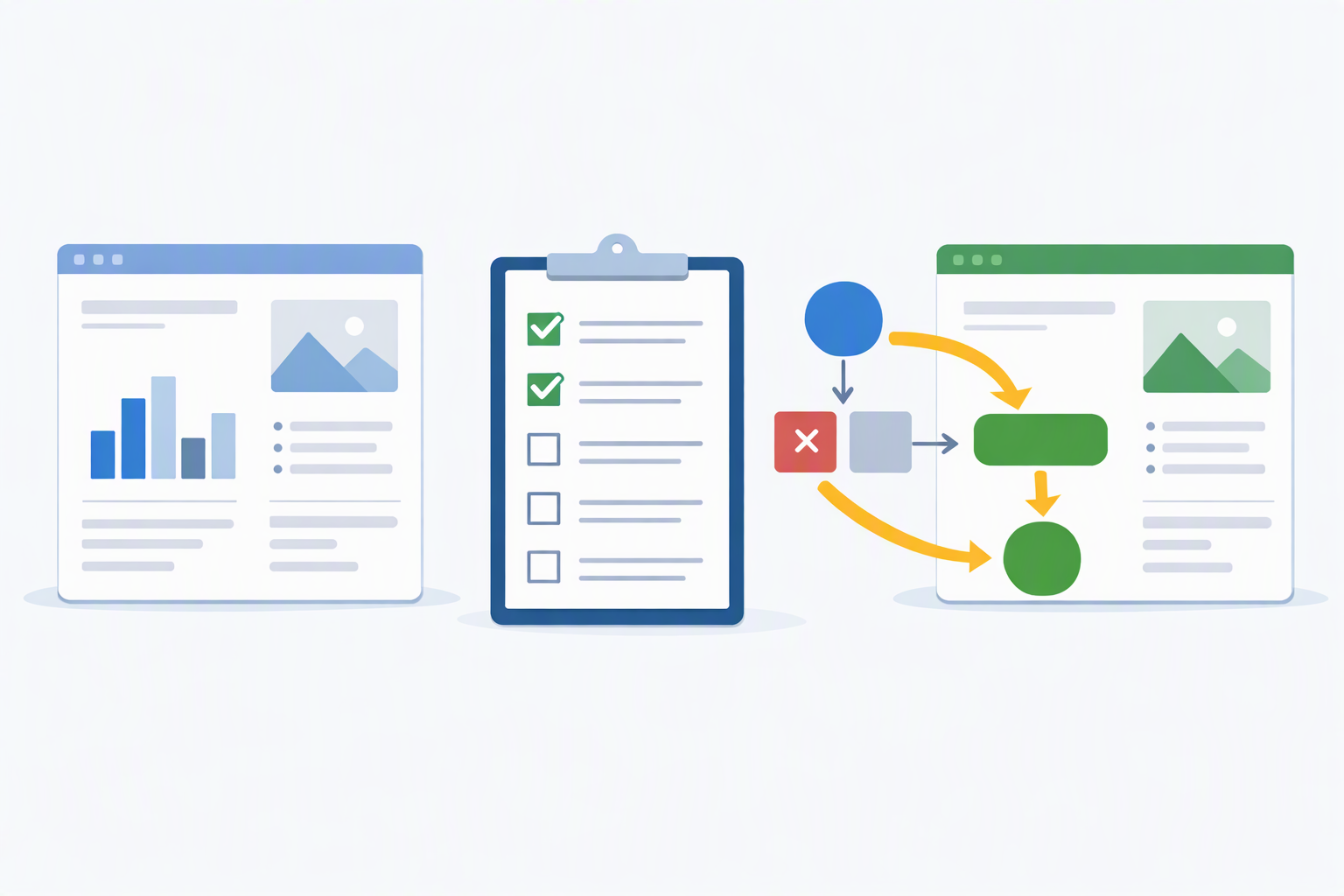
A practical comparison should include data sources, reporting depth, implementation effort, and how well the platform supports finance-grade reporting.
| Evaluation area | What good looks like | Why it matters |
|---|---|---|
| Data coverage | Product, CRM, billing, and finance data in one model | Connects behavior to revenue |
| Journey clarity | Clear paths, drop-offs, and conversion points | Shows where users get stuck |
| Trust | Consistent definitions and governed metrics | Prevents conflicting dashboards |
| Speed to value | Fast setup with usable reports early | Helps teams act quickly |
| Executive fit | Board-ready reporting and shareable views | Supports leadership decisions |
If you are also evaluating revenue reporting, this guide to revenue analytics tools can help you compare platforms that go beyond journey tracking.
How should SaaS teams choose customer journey analytics software?
The best customer journey analytics software for SaaS teams is the one that can explain revenue movement across the full customer lifecycle. That usually means linking acquisition, activation, expansion, and renewal in one reporting layer.
Choose a platform that helps your team answer practical questions, such as which leads become high-value customers, which onboarding steps reduce churn, and which accounts are most likely to expand.
Questions to ask before buying
- Can it connect anonymous activity to known accounts?
- Can it combine product usage with CRM and billing data?
- Can it show both individual journeys and account-level journeys?
- Can non-technical teams use it without waiting on analysts?
- Can it support finance and revenue reviews, not just marketing reports?
If the answer to those questions is “mostly” or “eventually,” keep looking. Journey analytics only creates value when teams can trust and use it quickly.
Why unified data matters
SaaS journeys cross teams, so the data must cross systems. A customer may discover you through marketing, convert through sales, use the product, and renew through finance workflows.
That is why unified customer profiles matter. They help teams connect the dots between behavior and business results, which is also why product analytics and profiles work so well together, as described in this post on product analytics tools and unified customer profiles.
What questions should you ask vendors before you buy?
The right vendor questions are the fastest way to avoid a bad fit. You want to know whether the tool can support your reporting process today, not just a future state.
Ask about data model quality, account matching, refresh speed, governance, and how the platform handles revenue definitions across teams.
Vendor questions that reveal real capability
- How do you define a journey, an account, and a conversion event?
- How do you handle duplicate users, merged accounts, and changing identifiers?
- How do you connect usage data to ARR, bookings, churn, or expansion?
- How quickly does data refresh after source changes?
- What does implementation look like for a mid-market SaaS company?
These questions help you separate analytics software from a dashboard layer. The best platforms answer business questions with governed data, not just charts.
How does the best customer journey analytics software support revenue decisions?
The best customer journey analytics software supports revenue decisions by showing which paths lead to conversion, retention, and expansion. That makes it easier to allocate budget, improve onboarding, and focus sales and customer success effort where it matters most.
For example, if accounts that complete a specific activation step renew more often, that step becomes a growth lever. If one acquisition channel brings more low-retention customers, you can adjust spending faster.
Where finance and RevOps get value
Finance and RevOps need reliable numbers, not just directional insights. When journey data connects to revenue data, they can see which cohorts perform, which motions scale, and where forecasts need revision.
That is also why customer journey analytics often overlaps with sales funnel analysis and forecasting. If that is useful for your team, see what sales funnel analytics is and how to master it and weighted pipeline sales forecasting and analytics.
How do you know if you picked the right platform?
You picked the right platform if it changes decisions, not just dashboards. The tool should help your team answer revenue questions faster and with less debate.
Look for signs like fewer manual exports, more consistent definitions, and better alignment between marketing, product, customer success, RevOps, and finance.
Signs of a strong choice
- Leadership trusts the numbers in reviews.
- Teams use the same definitions across reports.
- Important journeys are visible without custom work each time.
- Insights lead to action on conversion, retention, or expansion.
If the platform does not improve decisions, it is not the best customer journey analytics software for your company, no matter how polished the interface looks.
Conclusion: what is the smartest way to choose?
The smartest way to choose customer journey analytics software is to start with the revenue question you need answered. Then pick the platform that unifies the right data, shows clear paths, and gives your team board-ready answers.
If you want a single place to connect revenue and finance data with the customer journey, explore atSpark for CFOs or visit atSpark.
Frequently Asked Questions
What is the best customer journey analytics software for SaaS?
The best customer journey analytics software for SaaS is the platform that connects journey behavior to revenue outcomes. It should unify product, CRM, billing, and finance data so teams can see conversion, retention, and expansion in one place.
What features should I look for in customer journey analytics software?
Look for identity resolution, path analysis, segmentation, revenue attribution, and data unification. These features matter because they turn scattered events into a clear story about how customers move and where revenue is won or lost.
How do I compare customer journey analytics tools?
Compare tools by the business questions they can answer, not by feature lists. Check data coverage, reporting clarity, implementation effort, and whether the platform supports finance-grade reporting that your leadership team can trust.
Why does unified data matter in journey analytics?
Unified data matters because SaaS journeys cross systems and teams. A customer may discover you through marketing, convert through sales, use the product, and renew through finance, so the software has to connect those steps into one view.